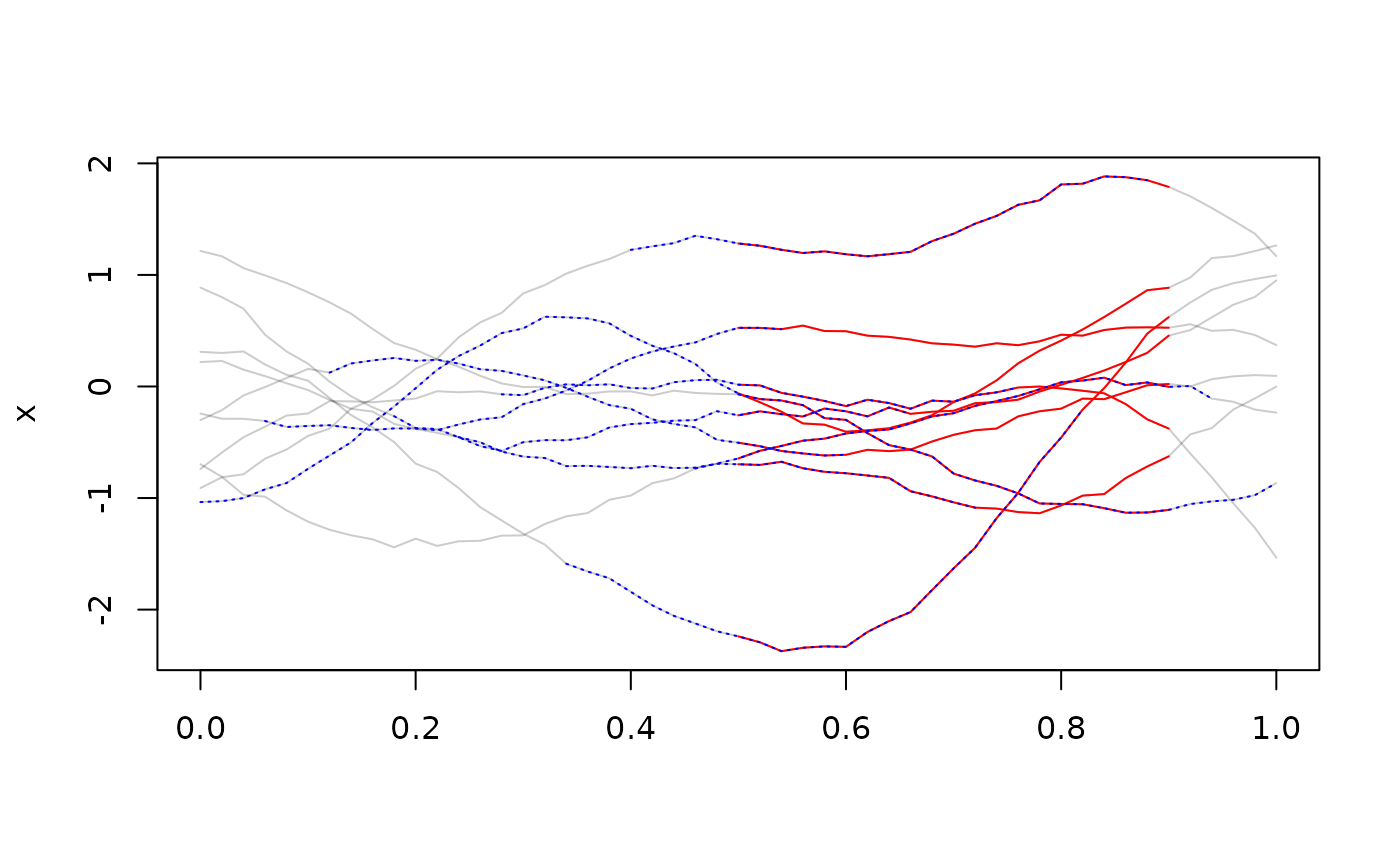
These are used to redefine or restrict the domain of tf objects.
Usage
tf_zoom(f, begin, end, ...)

# S3 method for class 'tfd'
tf_zoom(f, begin = tf_domain(f)[1], end = tf_domain(f)[2], ...)

# S3 method for class 'tfb'
tf_zoom(f, begin = tf_domain(f)[1], end = tf_domain(f)[2], ...)

# S3 method for class 'tfb_fpc'
tf_zoom(f, begin = tf_domain(f)[1], end = tf_domain(f)[2], ...)Value
an object like f on a new domain (potentially).
Note that regular functional data and functions in basis representation will
be turned into irregular tfd-objects if begin or end are not scalar.
See also
Other tidyfun utility functions:
ensure_list(),
in_range(),
tf_arg(),
unique_id()
Examples
x <- tf_rgp(10)
plot(x)
tf_zoom(x, 0.5, 0.9)
#> tfd[10]: [0.5,0.9] -> [-1.222314,1.699258] based on 21 evaluations each
#> interpolation by tf_approx_linear
#> 1: ▅▅▅▅▅▅▅▅▅▅▅▅▄▅▅▅▅▄▄▄▄
#> 2: ▄▄▄▅▅▅▅▅▅▅▅▅▅▅▅▄▄▄▃▃▂
#> 3: ▄▄▄▅▅▅▅▅▆▆▆▆▆▆▆▅▅▅▅▅▅
#> 4: ▁▁▁▁▁▁▂▂▂▂▃▃▃▃▃▄▄▄▄▄▄
#> 5: ▄▄▄▄▄▄▃▃▃▃▃▃▃▃▃▂▃▂▂▂▂
#> 6: ▂▃▃▃▄▄▄▄▄▄▄▄▄▄▄▃▃▃▃▃▃
#>     [....]   (4 not shown)
tf_zoom(x, 0.5, 0.9) |> lines(col = "red")
tf_zoom(x, seq(0, 0.5, length.out = 10), seq(0.5, 1, length.out = 10)) |>
  lines(col = "blue", lty = 3)